
ARDefender: Play Tower Defense in Your Real World
Overview
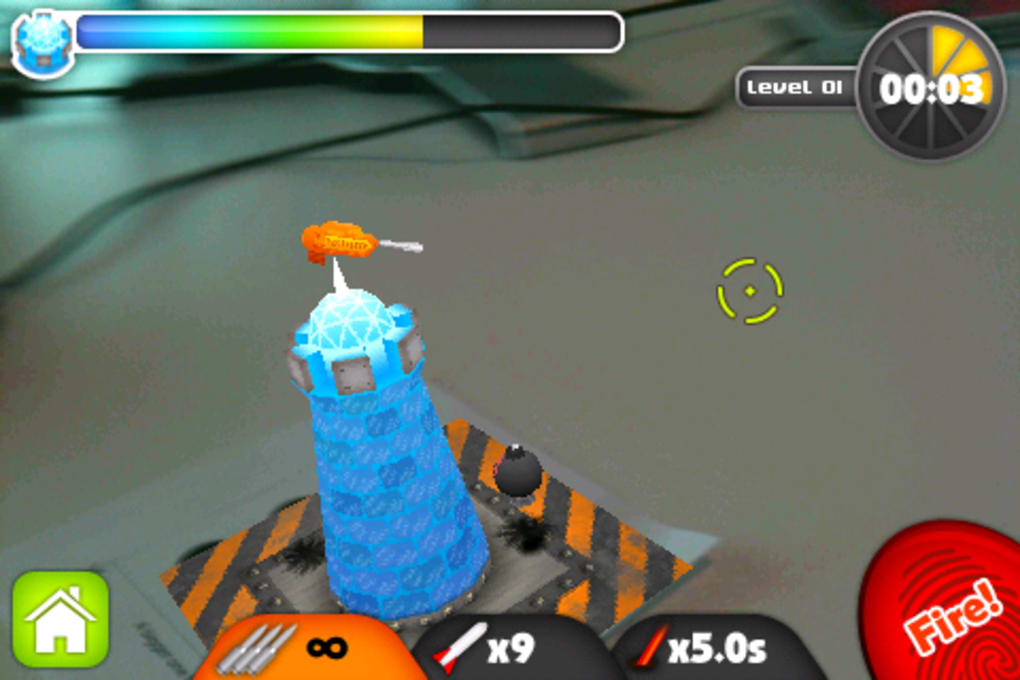
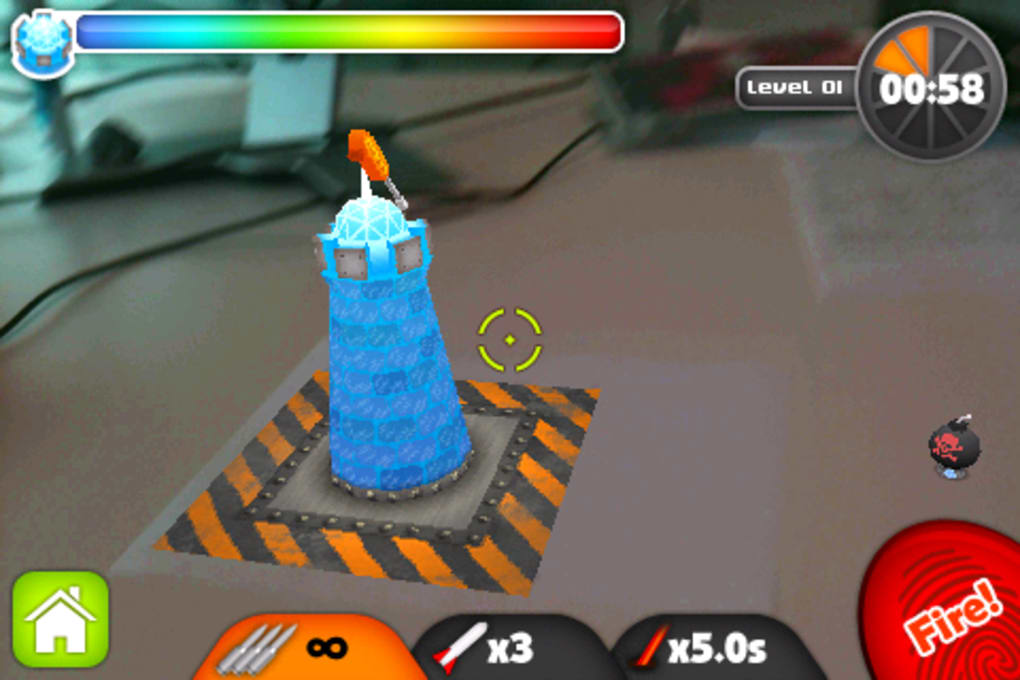
ARDefender redefines the tower defense genre by integrating augmented reality (AR) into gameplay, allowing players to place virtual towers in physical spaces using their iPhone’s camera. The software enables a unique blend of digital and real-world environments, where printed AR tags serve as anchors for 3D tower placements. These tags can be positioned on any surface—desks, tables, even a sleeping cat—transforming everyday spaces into dynamic battlefields.
The core purpose of ARDefender is to deliver an immersive, interactive gaming experience that leverages real-world surroundings to enhance gameplay. It is ideal for casual gamers, AR enthusiasts, and those seeking innovative mobile entertainment. The game focuses on survival through timed levels, challenging players to defend against waves of attacking machines.
While the concept is simple, the execution is polished, offering a fun and engaging arcade-style experience. The developer, ARDefender Team, has clearly prioritized user engagement through creative mechanics. Real-world usage scenarios include quick play sessions at home, sharing the experience with friends, or using the game as a demonstration of AR capabilities in a tangible way.
The software’s novelty lies in its tangible interaction with physical space, making it stand out in the mobile gaming landscape.
Key Features & Capabilities
- Augmented Reality Integration: Uses the iPhone’s camera to overlay 3D towers onto physical environments via printed AR tags, enabling real-world interaction with game elements.
- Physical Tower Placement: Players can place printed tags on any surface and see their tower appear in AR, allowing for dynamic positioning and movement.
- Real-Time Targeting and Firing: Tapping the screen activates a targeting reticle, allowing players to aim and shoot at incoming enemies with intuitive touch controls.
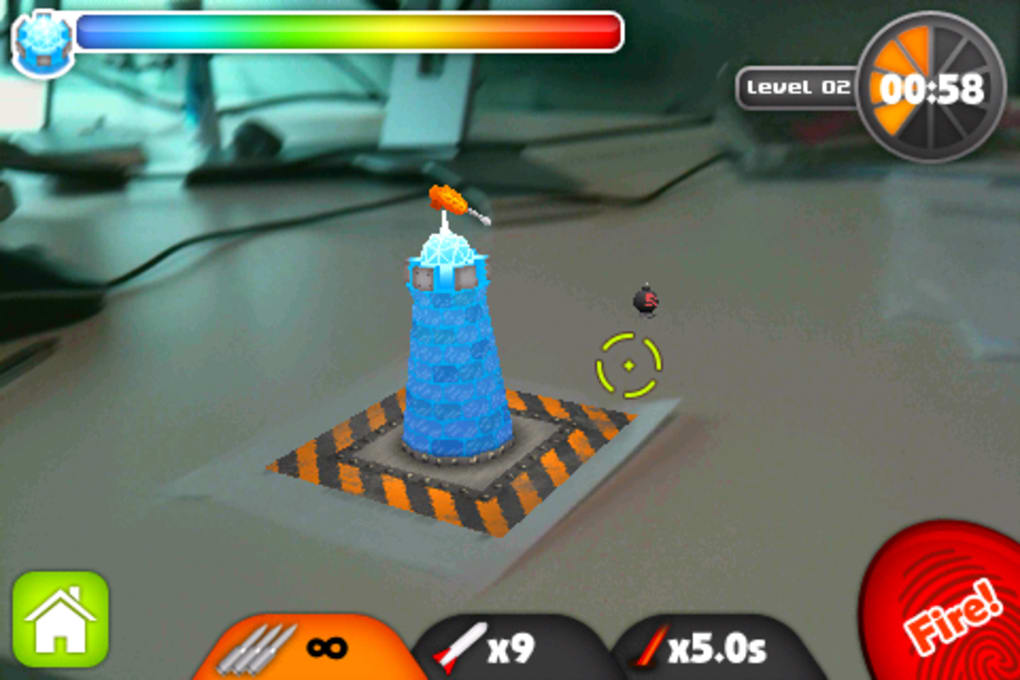
- Timed Survival Mode: Gameplay consists of level-based challenges where players must survive waves of enemies within a set time limit.
- Dynamic Environments: The game adapts to any backdrop, offering varied visual experiences based on the physical space where the tag is placed.
Each feature enhances the sense of immersion and interactivity. For example, placing a tower on a kitchen table transforms the space into a fortress, while using a wallet as a base adds a humorous, tactile dimension. The targeting system supports smooth aiming and shooting, making combat feel responsive despite the AR constraints.
The survival mode ensures consistent gameplay progression, though the lack of additional modes limits long-term replayability. The reliance on printed tags introduces a unique physical component that encourages creativity and personalization. While this approach may seem unconventional, it provides a stable anchor for AR tracking, ensuring consistent visual alignment.
These capabilities collectively deliver a novel gaming experience that bridges digital and physical realms, making ARDefender more than just a game—it’s a playful experiment in spatial computing.
User Interface, Workflow & Performance
The user interface of ARDefender is designed for simplicity and intuitive navigation. Upon launching the app, users are prompted to place a printed AR tag within the camera view. Once detected, the 3D tower appears and can be moved around by dragging it on the screen.
The main gameplay screen features a clean layout with a central targeting reticle and minimal on-screen controls. Tapping the screen activates the aim function, and shooting is triggered with a tap or swipe gesture. The workflow is straightforward: place tag → wait for recognition → position tower → aim → fire.
This sequence ensures minimal friction for new users. The developer did not specify resource usage details, but general software behavior suggests stable performance on supported iOS devices. No reports of excessive battery drain or thermal throttling were noted.
Stability appears consistent during regular gameplay, though occasional crashes have been reported. Performance observations are based on general software behavior patterns. The app maintains smooth frame rates during active combat, with minimal lag during tower movement and targeting.
Overall, the interface supports efficient workflow execution, and the interaction model is well-suited for short, casual play sessions.
Compatibility & System Requirements
ARDefender is designed exclusively for iOS devices and requires version 1.0.2 of the software. The application has a file size of 85 MB, making it lightweight and suitable for devices with limited storage. The developer did not provide additional system requirements, so compatibility with specific iPhone models or iOS versions is unclear.
Platform compatibility information is limited to the general statement that the app runs on iOS. The reliance on AR capabilities suggests that the software requires devices with compatible cameras and motion sensors, but exact hardware specifications were not listed. Installation is straightforward through the App Store, and no external dependencies are required beyond the printed AR tags.
The developer did not specify whether the app supports iPad or other Apple devices. Users should ensure their device supports ARKit, as this is essential for AR functionality. Without further details, it is recommended to verify compatibility with the device’s iOS version and AR capabilities before downloading.
Pros and Cons
Pros
- Unique integration of augmented reality with physical space using printed tags
- Intuitive touch controls for aiming and shooting
- Lightweight at 85 MB, suitable for most iOS devices
- Fun, innovative gameplay that stands out in the tower defense genre
- Encourages creativity through customizable real-world placements
Cons
- Requires printed AR tags, adding a physical step not present in other AR apps
- Limited to a single game mode, reducing long-term replay value
- Occasional crashes reported during gameplay
- Lack of detailed system requirements makes compatibility assessment difficult
- Dependence on external materials (paper tags) may deter some users
FAQ Section
Is ARDefender compatible with all iPhones?
ARDefender runs on iOS devices, but exact compatibility with specific iPhone models was not provided by the developer. It is recommended to check if your device supports ARKit for optimal performance.
Is ARDefender safe to download and use?
As a free app available on the official App Store, ARDefender is considered secure. No additional permissions beyond camera access are required for core functionality.
Does ARDefender require an internet connection?
While the app does not require an active internet connection to play, updates and content delivery may need online access. Offline gameplay is supported after initial download.
How often are updates released for ARDefender?
The developer has not disclosed update frequency. The current version is 1.0.2, and future updates may include new features or bug fixes.
Can I use ARDefender without printing tags?
No, the current version requires printed AR tags to anchor the 3D towers in the real world. The developer did not mention alternative positioning methods.
Final Thoughts
ARDefender delivers a bold and imaginative twist on the tower defense genre by merging digital gameplay with physical space. Its use of printed AR tags creates a tangible connection between the virtual and real worlds, offering a unique form of interactive entertainment. While the single game mode and occasional crashes limit its longevity, the core experience is highly engaging and perfect for casual play or impressing friends.
The lightweight design and intuitive controls make it accessible to a wide audience. For fans of AR technology and innovative mobile games, ARDefender is a standout title. It may not be a long-term gaming investment, but as a novelty and showcase of AR potential, it excels.
The blend of strategy, creativity, and real-world interaction sets it apart from conventional mobile games. Download ARDefender now and experience the future of tower defense—one physical space at a time.







